Add the server
Open Minecraft Java Edition, go to Multiplayer → Add Server, and paste the address above.
Play
Joining My Hero Unbound takes only a few minutes. Connect to the server, allow the custom resource pack to load, complete the introductory mission, and begin developing your character in the main city.
Open Minecraft Java Edition, go to Multiplayer → Add Server, and paste the address above.
MHU uses a custom resource pack for quirk visuals, items, and UI. Click Yes when prompted so everything displays correctly.
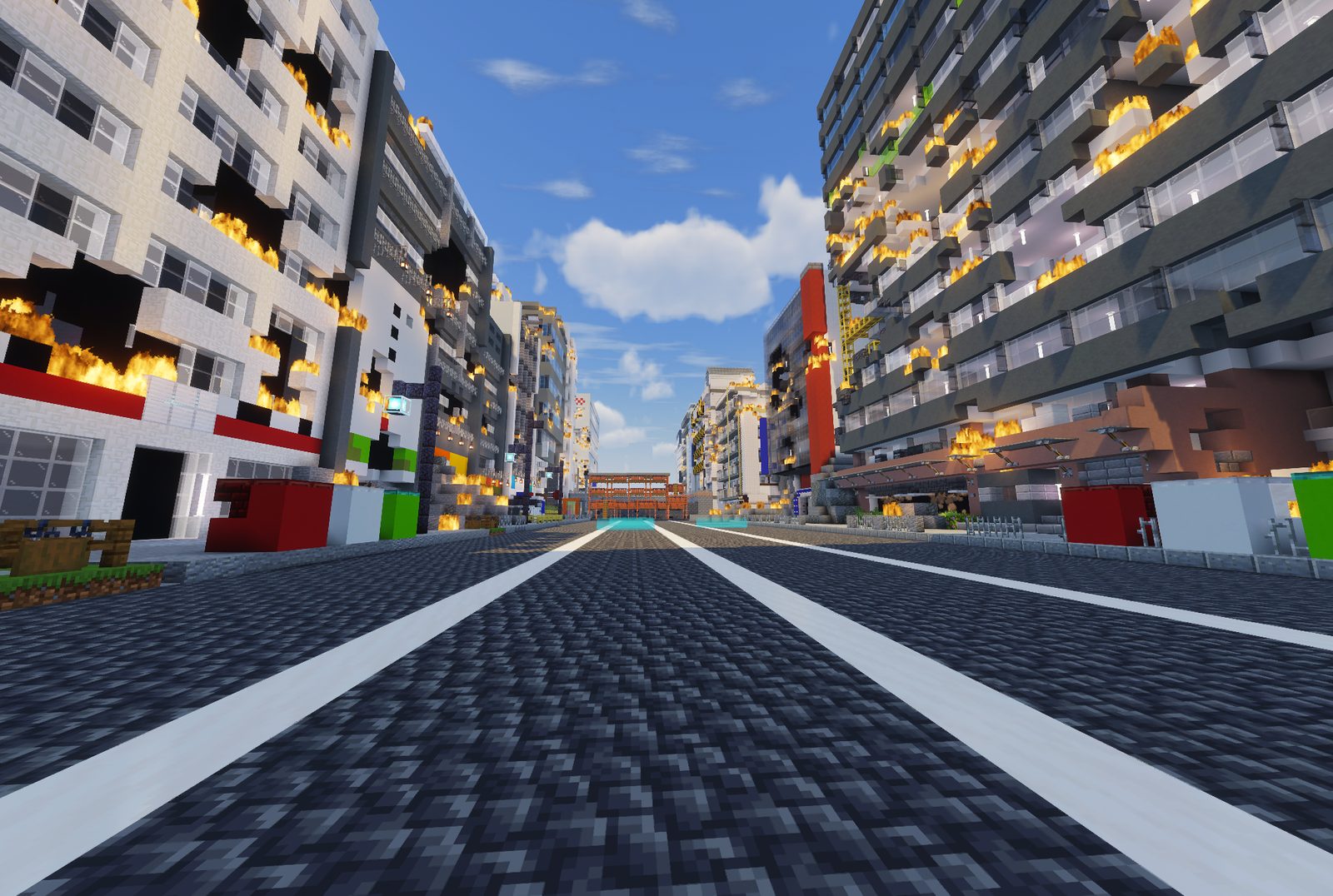
A short destroyed-city sequence teaches movement, combat, and ability inputs before sending you to the main world.
Your first ten minutes
Your journey begins inside a short destroyed-city tutorial. Playing temporarily as Deku, you will learn how to move through obstacles, attack enemies, and combine different ability inputs. Completing the tutorial sends you to the main spawn plaza.
From there, visit the Mission Board and speak with the nearby introductory NPCs. You will be introduced to quirks, character progression, support items, shops, and the first chapter of your chosen path.
Check the address for typos and confirm you are on Java Edition. If the server shows as offline, check the Discord for maintenance notices.
Edit the server entry, set Server Resource Packs to Enabled, and rejoin.
Open a support request or ask in the Discord.